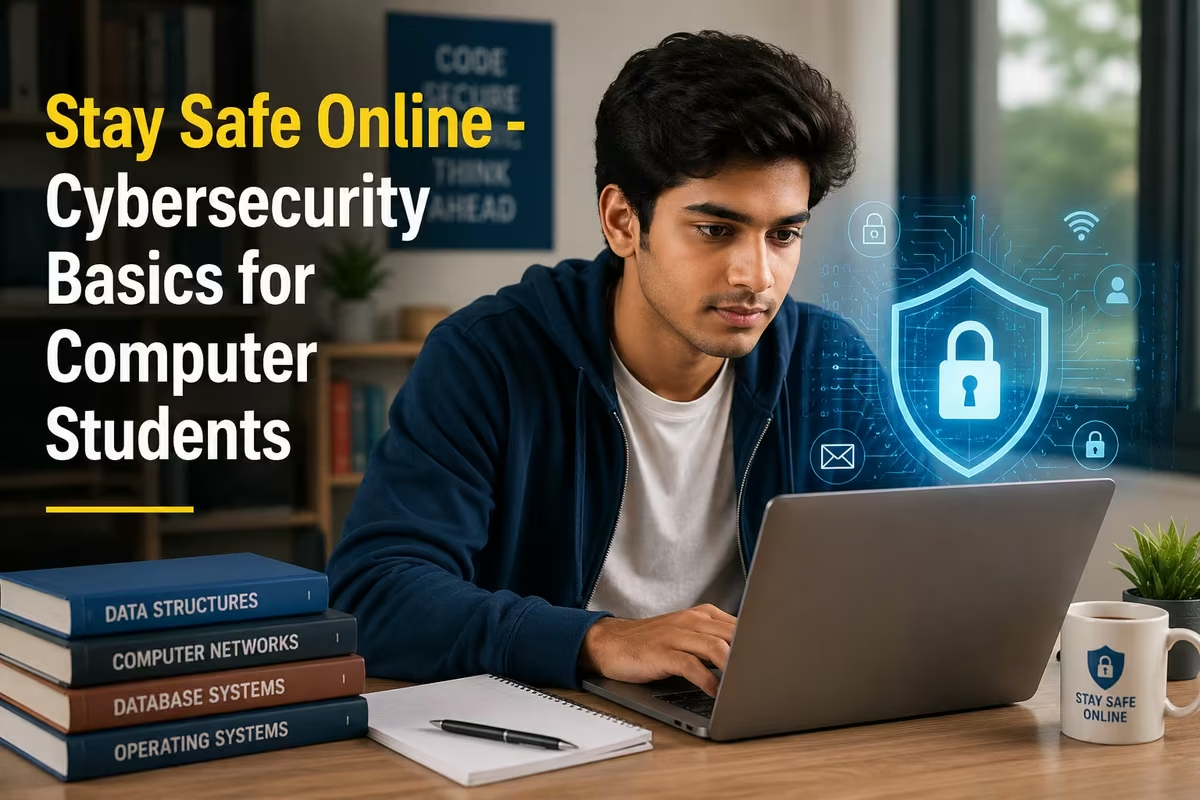
Cybersecurity basics for students cover the core skills needed to stay safe online - recognising phishing emails, creating strong passwords, understanding malware, and protecting personal data. These aren't optional extras. Employers now expect every fresher, whether they're joining as a data entry operator or an accounts executive, to handle digital information responsibly.
What Is Cybersecurity and Why Should Computer Students Care?
Cybersecurity is the practice of protecting computers, networks, and data from unauthorised access or damage. For a student, that means your college login, your Aadhaar-linked accounts, your employer's customer data - all of it. The threats are real and they don't discriminate by company size or job title.
India reported over 1.4 million cybercrime complaints in 2023 alone, according to the Ministry of Home Affairs' I4C (Indian Cybercrime Coordination Centre). A big chunk of those incidents trace back to one thing: basic mistakes that training could have prevented. Clicking a fake link, reusing a weak password, downloading an attachment without checking - these are entry-level errors that cost real money.
If you're studying for a DCA, ADCA, or any computer diploma, cybersecurity is no longer just a topic in your syllabus. It's a minimum expectation in the job market.
Core Cybersecurity Concepts Every Student Must Understand
| Concept | What It Means | Why It Matters for Students |
|---|---|---|
| Phishing | Fake emails or messages that trick you into giving away passwords or clicking malicious links | Most account breaches start with phishing; knowing the signs stops it before it starts |
| Malware | Software designed to damage, disrupt, or steal data from a computer - includes viruses, ransomware, spyware | A single infected USB or pirated software file can compromise an entire office network |
| Strong Passwords | Passwords that mix uppercase, lowercase, numbers, and symbols - at least 12 characters, unique per account | Weak passwords are the number-one reason personal and professional accounts get taken over |
| Two-Factor Authentication (2FA) | A second verification step (OTP, app code) added on top of your password | Even if someone steals your password, 2FA stops them from logging in |
| Public Wi-Fi Risks | Unsecured networks where others can intercept your traffic | Never access banking or work accounts on café or railway station Wi-Fi without a VPN |
| Software Updates | Patches released by developers to fix known security vulnerabilities | Skipping updates leaves your system open to attacks that were already fixed months ago |
| Data Backup | Keeping copies of important files in a separate location (cloud + external drive) | Ransomware attacks become much less damaging when you have recent, clean backups |
How to Spot a Phishing Attack - The Skill Every Fresher Needs
Phishing is the most common way accounts get compromised, and it's getting harder to spot. The fake emails used in 2026 look nothing like the clumsy ones from ten years ago. They copy bank logos perfectly, they address you by name, and they create a sense of urgency that makes you click before you think.
Here's what to actually look for. Check the sender's email address - not just the display name. A message that appears to come from "HDFC Bank" but is sent from [email protected] is fake. Look at the URL before clicking any link; hover over it and the actual destination shows up in the bottom-left corner of your browser. If there's a mismatch, don't click.
Poor grammar used to be the giveaway. Now attackers use AI tools to write clean, convincing messages in perfect English or Hindi. The better signals are: unexpected urgency ("your account will be suspended in 24 hours"), requests for OTPs or passwords over email, and links that don't match the company's real domain.
In our ADCA batches at HCI, we walk students through real phishing samples as part of the cybersecurity module - because reading about it and recognising it under pressure are two different things. That gap is exactly where most students get caught out in their first jobs.
Password Hygiene and Account Security - Practical Rules That Actually Work
Most people use three or four passwords for everything. That's the problem. When one site gets breached - and breach databases containing hundreds of millions of leaked credentials are freely available on the dark web - attackers try those same credentials on every other platform. This is called credential stuffing, and it works because of password reuse.
The fix is straightforward. Use a password manager like Bitwarden (free) or Google Password Manager to generate and store unique passwords for every account. You only need to remember one master password. Enable 2FA on every account that offers it - especially email, banking, and any work-related platform.
For accounts where you create the password yourself, use a passphrase instead of a single word. Something like "Billawar2026#Train" is far harder to crack than "admin123" and much easier to remember. Avoid obvious choices: your name, phone number, date of birth, or the name of your college - all of these are tried first by automated cracking tools.
One rule that trips up students: never share your OTP with anyone. Not a caller who claims to be from your bank, not a "company representative", not even a family member asking on your behalf. No legitimate organisation will ever ask for your OTP over a phone call.
Malware, Safe Downloads, and Why Pirated Software Is a Trap
Free software from unofficial sources is one of the most common ways students infect their own computers. Cracked versions of MS Office, Tally Prime, or Photoshop often bundle keyloggers or spyware that run silently in the background. You get the software; someone else gets your login credentials and browsing history.
The rule is blunt: only download software from official websites or verified sources like the Microsoft Store, Google Play, or the developer's own domain. If you can't afford paid software, use legitimate free alternatives - LibreOffice instead of MS Word, Google Sheets instead of Excel for basic work.
Keep your antivirus active and updated. Windows 11 comes with Windows Defender built in, and for most students it's sufficient if it's actually running. The mistake is disabling it to install cracked software. That trade-off isn't worth it.
USB drives are another common attack vector. Never plug in a USB stick you found lying around, and be careful with drives borrowed from unknown sources. A single infected drive inserted into an office computer can spread malware across the entire network - the kind of incident that ends a probation period early.
Cybersecurity Skills That Show Up in Job Interviews and at Work
Employers hiring for data entry, accounts, MIS, and back-office roles increasingly ask basic security questions during interviews. Can you recognise a phishing email? Do you know what data you're allowed to share over email and what needs to go through a secure portal? Have you worked with any data backup systems?
These questions separate candidates who've had structured training from those who've only done self-study. Knowing the theory is one thing. Being able to say, "Yes, we practised identifying phishing samples and we covered data protection under IT Act 2000 in our course" is another - it tells the interviewer you're not a liability.
India's IT Act 2000 and its 2008 amendments hold companies responsible for data breaches caused by negligence. That legal pressure is why employers care. If a fresher forwards a client file to the wrong email address, the company bears the cost. So they're looking for people who've been told - and have understood - where the lines are.
Roles where this matters most: data entry operators, accounts executives, MIS executives, back-office assistants, and any role handling customer data, financial records, or internal system access. If your job involves a computer and real data, cybersecurity basics apply to you.
Want to build job-ready computer skills - including cybersecurity basics?
HCI's ADCA course covers cybersecurity, MS Office, AI tools, and cloud fundamentals in one 12-month programme. ISO 9001:2015 certified, with 2,500+ students trained and 100% placement support.
👉 Book a free counselling session - no pressure, no sales pitch.
Safe Browsing and Social Media - Where Students Slip Up Most
Social media oversharing is a real security risk, and students are the most exposed. Posting your phone number publicly, showing your ID card in a "first day at work" photo, or accepting connection requests from people you don't recognise - all of these hand attackers information they can use for targeted fraud.
Keep your social media profiles private or at least limited. Don't post anything that reveals your daily schedule, your home address, or the name of your employer before you've had a chance to settle in. Attackers doing targeted phishing specifically look for this kind of publicly available information.
On the browsing side, check for HTTPS before entering any personal or financial information on a website. The padlock icon in the address bar means the connection is encrypted. If a site asking for payment details is still using plain HTTP, leave immediately.
Browser extensions deserve a second look too. Many free extensions - ad blockers, PDF converters, VPNs from unknown publishers - have been caught harvesting browsing data. Stick to extensions from well-known developers with thousands of legitimate reviews.
Why Learn Cybersecurity Basics at Hindustan Computer Institute?
HCI's computer courses include cybersecurity as a practical, applied module - not just a theory chapter to memorise before an exam. Students in the ADCA (AI Integrated) and MDCAA programmes cover topics including network security fundamentals, safe data handling, understanding the IT Act 2000, phishing identification, and secure password management - all within the context of real office workflows.
HCI is ISO 9001:2015 certified and MSME registered under the Government of India. The institute has trained over 2,500 students from Billawar, Kathua, Jammu, Samba, and the wider J&K region, with 100% placement support and a 4.8/5 rating across 194+ Google reviews. Founder Dinesh Sharma brings direct expertise in computer applications and AI tools, and the curriculum is reviewed regularly to stay current with what employers in the region actually ask for.
If you're in Billawar or a neighbouring area and want structured, hands-on computer training - including real-world cybersecurity skills - talk to our counsellors before your next batch starts.
What to Take Away From This
Cybersecurity basics aren't a niche skill reserved for IT professionals. They're the minimum digital literacy required to work with a computer responsibly - in accounts, data entry, MIS, or any office role. The students who build these habits early are the ones who don't become a liability in their first month on the job.
The good news: none of this is difficult to learn. A password manager, a habit of checking sender addresses, and keeping your software updated covers 80% of the risk. What takes training is building the instinct to slow down and check before you click - and that's exactly where structured coursework helps.
Thinking about a computer diploma that includes real digital safety training? Explore HCI's ADCA course or the full courses list to find the right fit for your background and goals.
👉 Book a free counselling session - our counsellors at Billawar are available six days a week.
Author: Dinesh Sharma, Founder & CEO, Hindustan Computer Institute
Last Updated: June 2026